
VIRTUAL • NATIONWIDE Call or text 469-421-1995

OUR CLIENT EXPERIENCE

Your immigration case, handled virtually.

A connected digital process, guided by your attorney.

Whether you live across the country or abroad, Green Chavez Law Firm helps you prepare and manage your immigration matter using Zoom or phone, Docketwise, OneDrive, and the USCIS online system when filing is available.

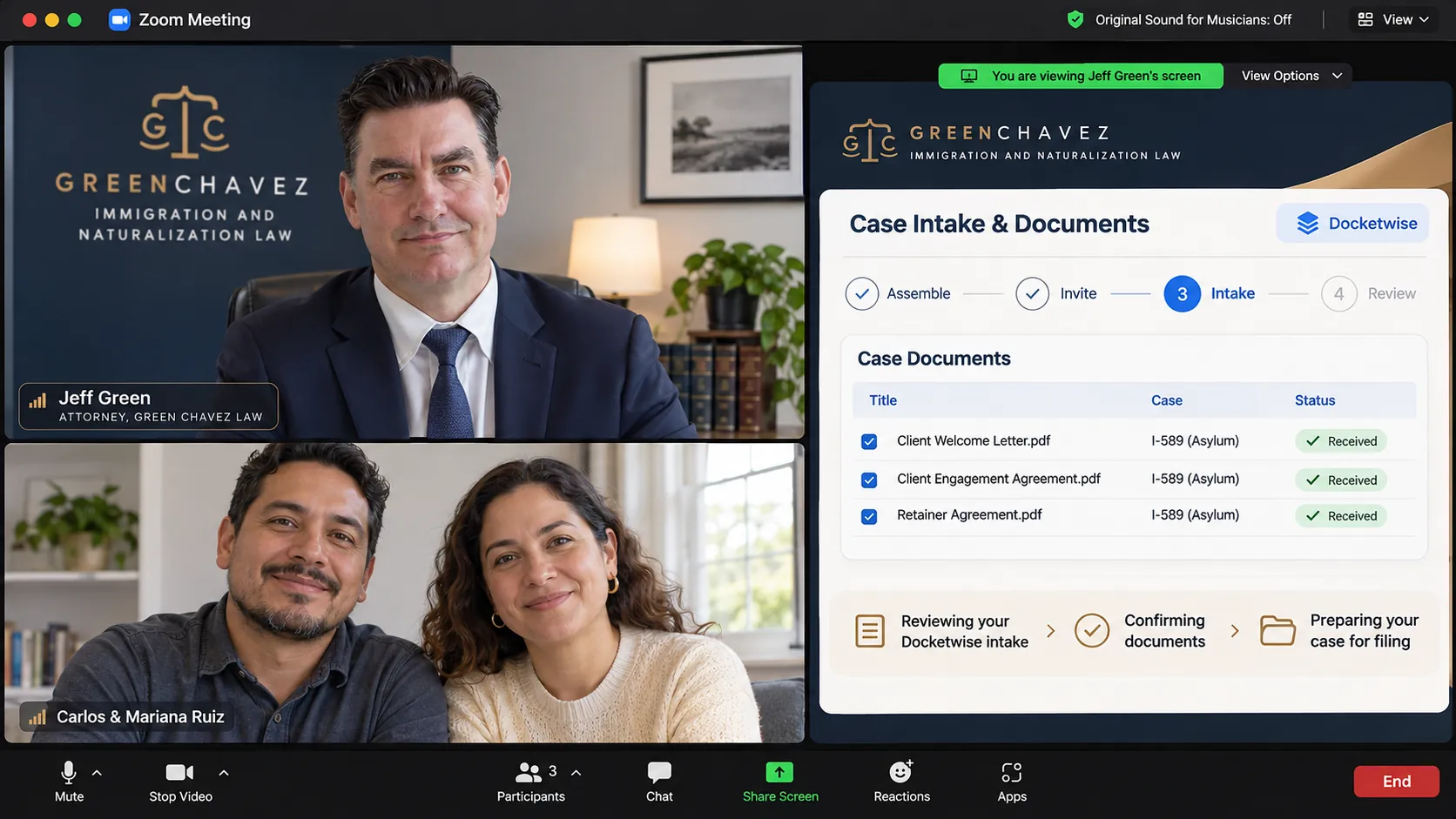
Review everything together on Zoom. Illustrative screen, not an actual client case
Illustrative screen, not an actual client case

Eight clear steps. One connected experience.

You will know what to do, where to provide your information, and what happens next. We guide you through each step rather than leaving you to navigate the paperwork alone.

Portrait of attorney Jefferey Kennon Green

Personal guidance, even from a distance

Your case is managed virtually, but our communication is personal. Attorney Jeff Green reviews your information with you, explains the next steps, and helps you understand what to expect as your case progresses.

Meet the attorney
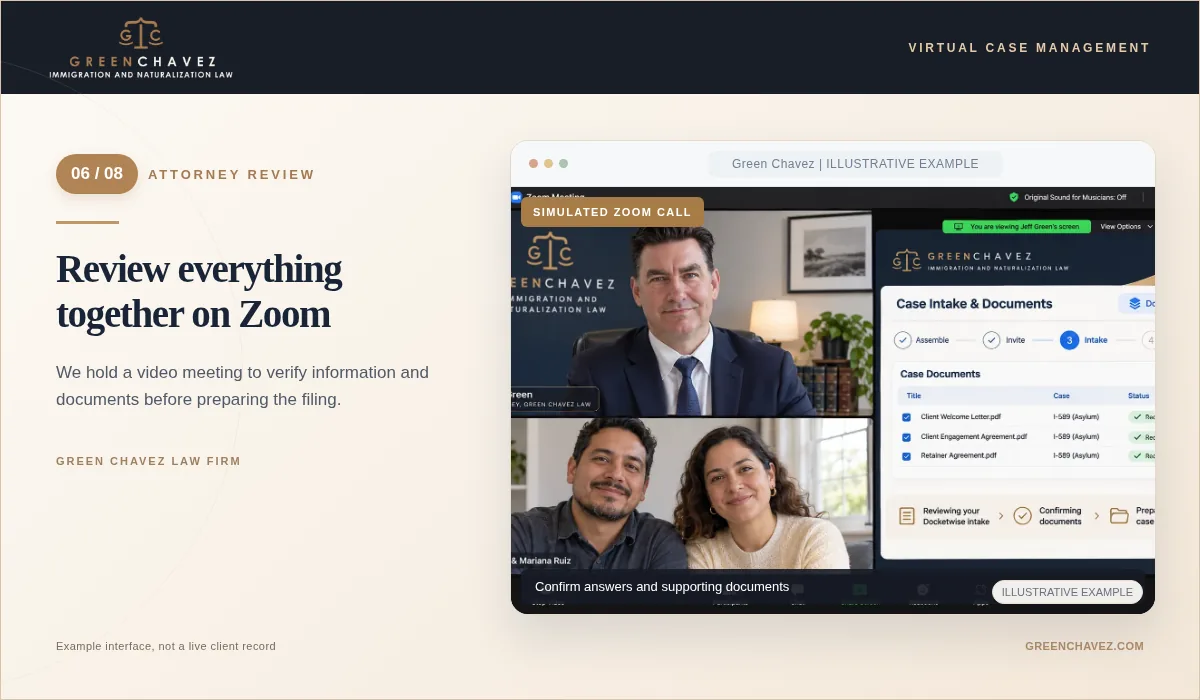
Choose a Zoom or phone consultation. Illustrative screen, not an actual client caseIllustrative screen, not an actual client case

01 / 08   YOUR FIRST CONVERSATION

Choose a Zoom or phone consultation

Start with a free consultation by video or telephone, whichever you prefer.

We discuss your situation, answer initial questions, and explain possible paths forward. You can meet with us from wherever you are, without an office visit.
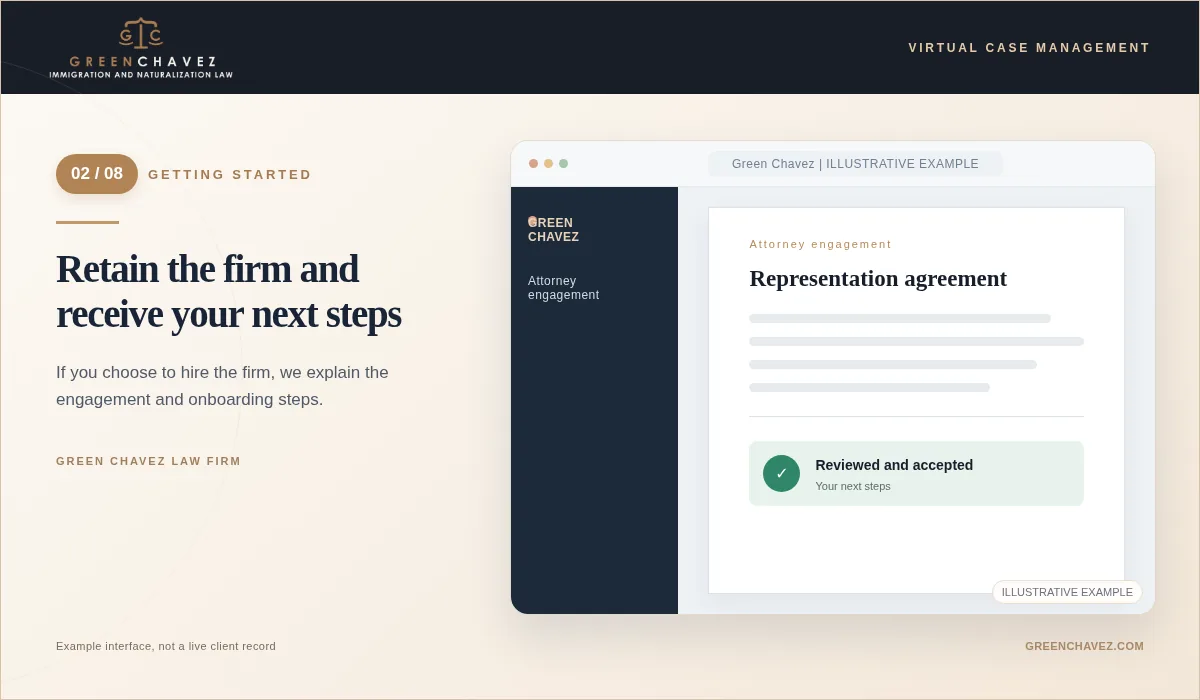
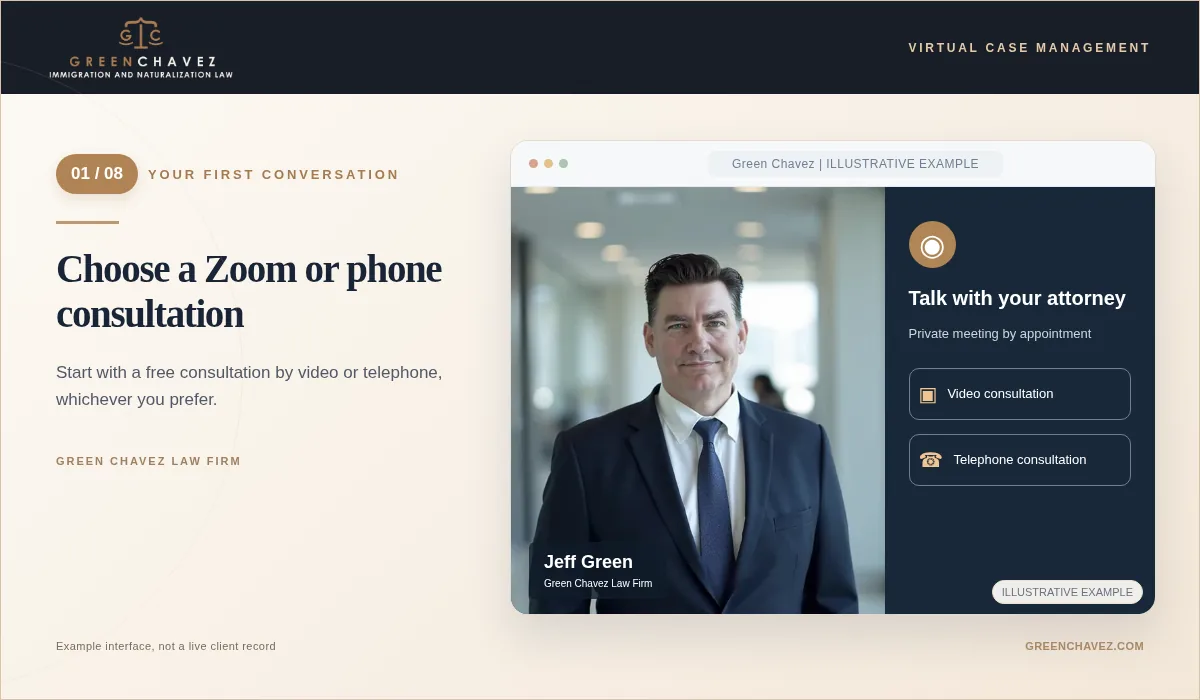
Retain the firm and receive your next steps. Illustrative screen, not an actual client caseIllustrative screen, not an actual client case

02 / 08   GETTING STARTED

Retain the firm and receive your next steps

If you choose to hire the firm, we explain the engagement and onboarding steps.

After the representation agreement and initial onboarding are completed, we organize your matter and provide guidance on how to begin collecting your information.

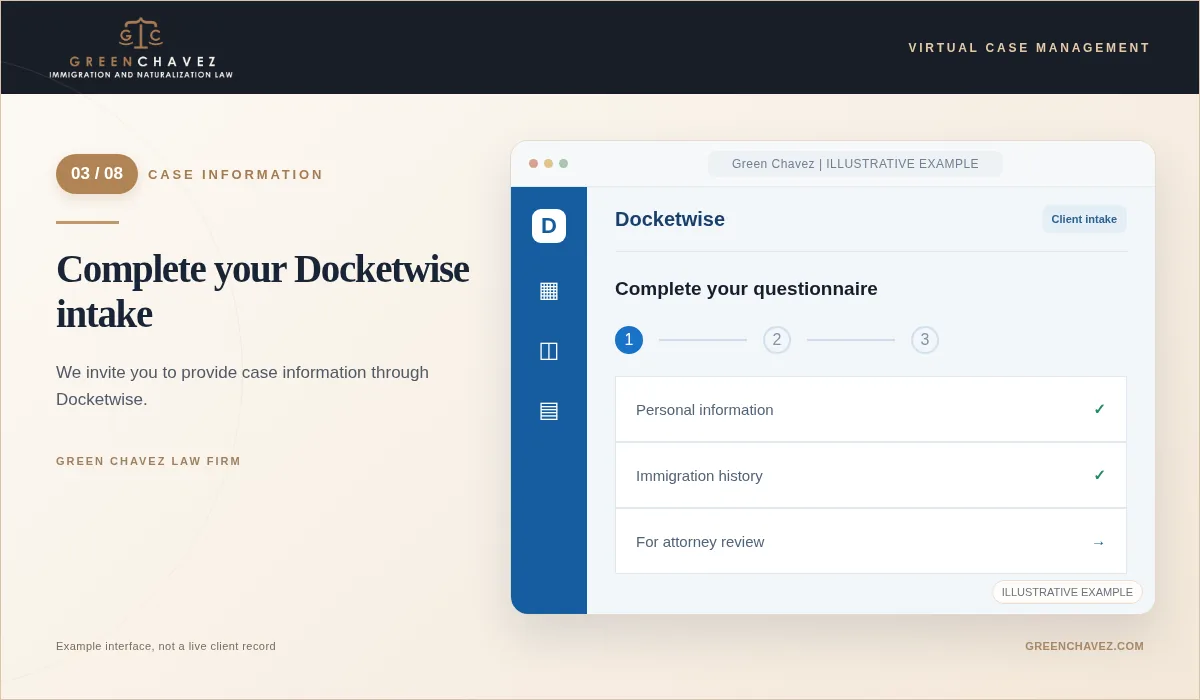
Complete your Docketwise intake. Illustrative screen, not an actual client caseIllustrative screen, not an actual client case

03 / 08   CASE INFORMATION

Complete your Docketwise intake

We invite you to provide case information through Docketwise.

You receive an invitation to complete detailed immigration questionnaires online. Your answers help us prepare the appropriate forms, and we will review them with you for accuracy.

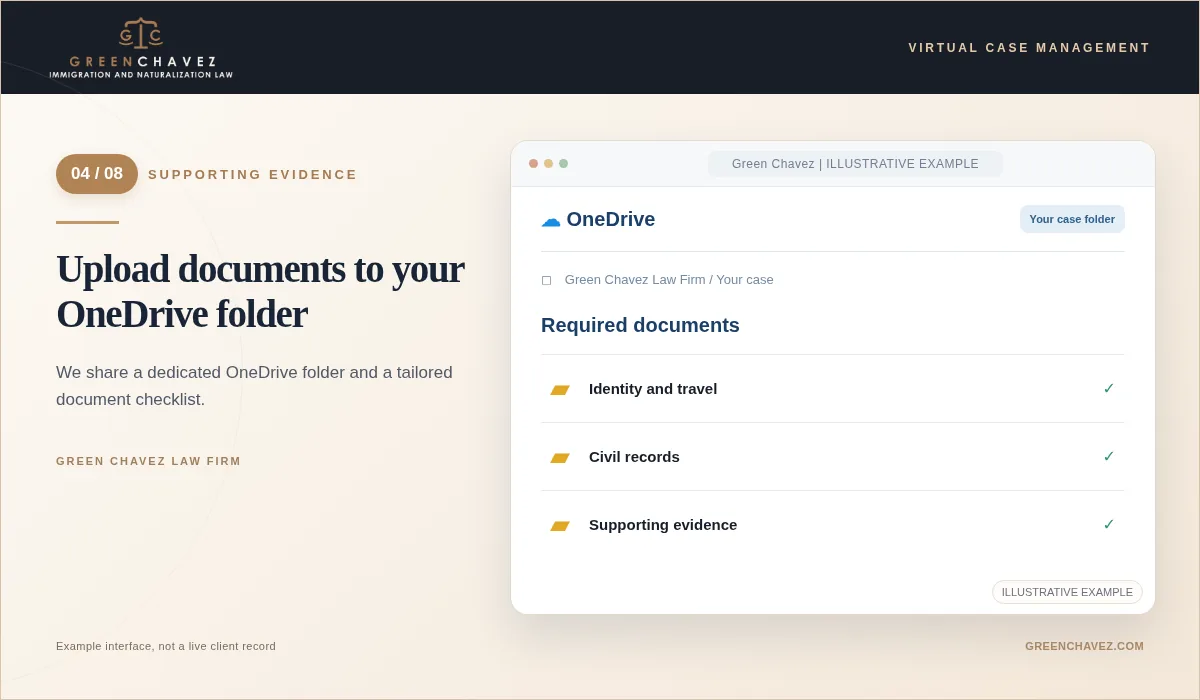
Upload documents to your OneDrive folder. Illustrative screen, not an actual client caseIllustrative screen, not an actual client case

04 / 08   SUPPORTING EVIDENCE

Upload documents to your OneDrive folder

We share a dedicated OneDrive folder and a tailored document checklist.

We give you access to a shared folder and identify which identification records, civil documents, supporting evidence, or other items we need for your particular matter.

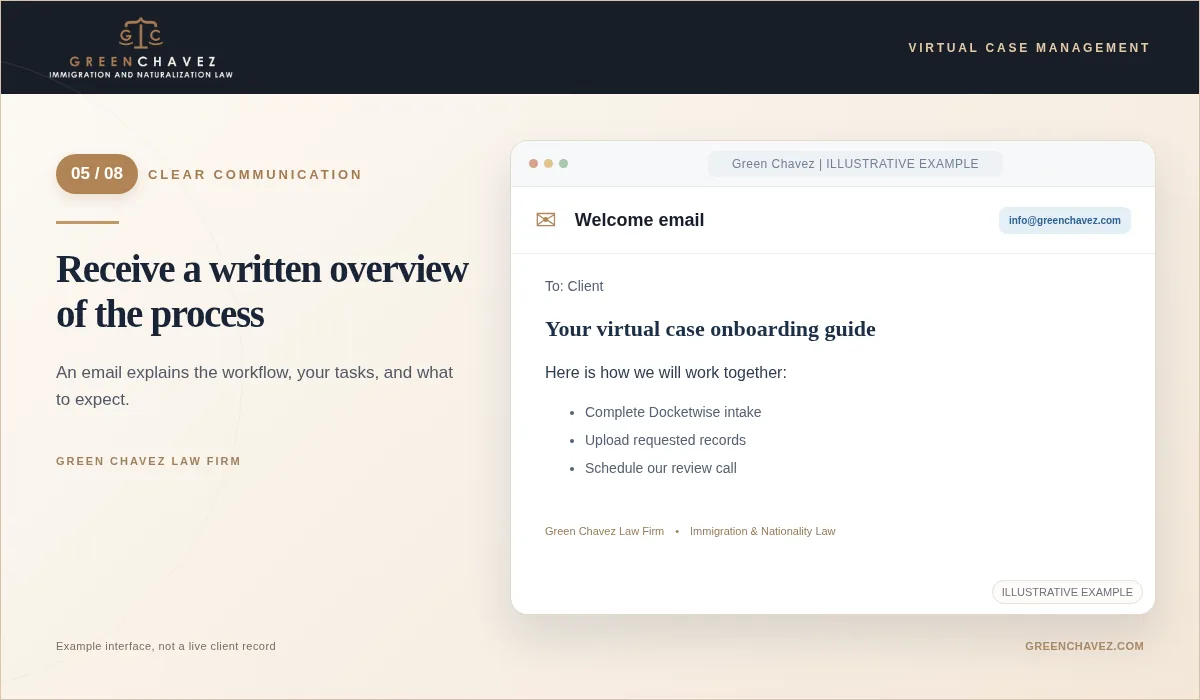
Receive a written overview of the process. Illustrative screen, not an actual client caseIllustrative screen, not an actual client case

05 / 08   CLEAR COMMUNICATION

Receive a written overview of the process

An email explains the workflow, your tasks, and what to expect.

We send an onboarding email describing the steps in your case, how to use the digital tools, what documents to gather, and how we will communicate throughout the representation.

Review everything together on Zoom. Illustrative screen, not an actual client caseIllustrative screen, not an actual client case

06 / 08   ATTORNEY REVIEW

Review everything together on Zoom

We hold a video meeting to verify information and documents before preparing the filing.

Once you have completed the intake and provided the requested records, we schedule a Zoom meeting to go over your answers, resolve discrepancies, confirm what is present, and identify any remaining evidence.

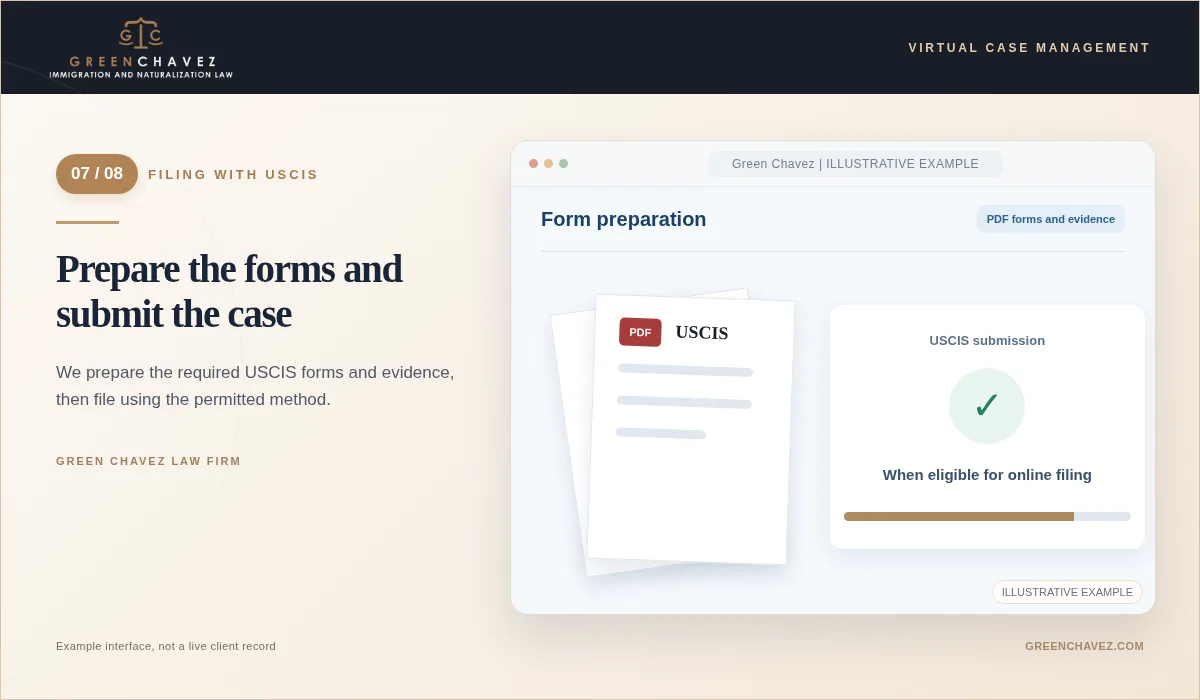
Prepare the forms and submit the case. Illustrative screen, not an actual client caseIllustrative screen, not an actual client case

07 / 08   FILING WITH USCIS

Prepare the forms and submit the case

We prepare the required USCIS forms and evidence, then file using the permitted method.

We draft the necessary USCIS forms and PDF supporting materials, review them as appropriate, obtain required signatures or approvals, and submit electronically through USCIS when the form and case allow online filing. Some applications must instead be filed by mail or another approved method.

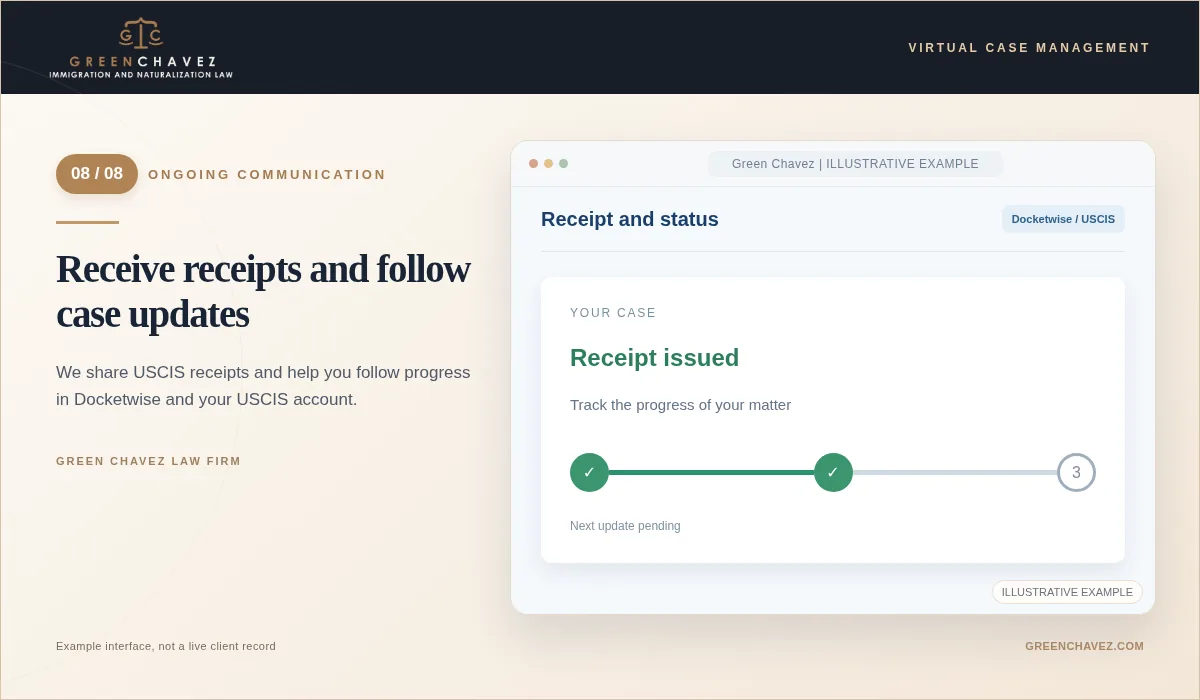
Receive receipts and follow case updates. Illustrative screen, not an actual client caseIllustrative screen, not an actual client case

08 / 08   ONGOING COMMUNICATION

Receive receipts and follow case updates

We share USCIS receipts and help you follow progress in Docketwise and your USCIS account.

When USCIS issues receipt notices, we share them with you and provide updates as your matter progresses. You may follow shared case information through Docketwise and check eligible case status and notices through your USCIS online account.

Real conversations. Careful review.

A virtual practice does not mean working alone. We use live video calls when a detailed review will help you understand the application and help us verify the information you provided.

Simulated Zoom review with illustrative participants and example case data. No actual client records are shown.Illustrative screen, not an actual client case
Simulated Zoom review with illustrative participants and example case data. No actual client records are shown.

What to know about online filing

Not every immigration benefit can be filed electronically. We use the USCIS online portal for eligible filings and explain the appropriate submission method for any form that cannot be filed online. Biometrics, interviews, medical examinations, or other appointments may still require you to appear in person.

Questions about working virtually

FAQs
Can I work with your firm from outside the United States?
Our firm serves clients in the United States and internationally. Whether your particular immigration case can be handled remotely depends on the type of application and any required in-person appointments.
Why do you use Docketwise and OneDrive?
Docketwise helps us collect and organize the information needed for immigration forms. OneDrive is where we share your requested document checklist and receive supporting records.
Are all USCIS applications filed online?
No. We submit electronically when USCIS permits online filing for the relevant form or case. Other filings may need to be mailed or submitted through a different required process.
How will I receive updates after filing?
We share receipt notices when they are issued and communicate case developments. You can also review information made available to you in Docketwise and through your USCIS online account for eligible cases.

Start with a free consultation.

Tell us about your immigration matter. We will explain how a virtual attorney-client relationship can work for your case.

Schedule a free consultation
Call or textSchedule a free consultation